
CATALOGUE MANAGEMENT
Parts Commander is not only meant to display existing catalogues. Manufacturers, distributors and parts stores will be able to create, maintain and publish their own.
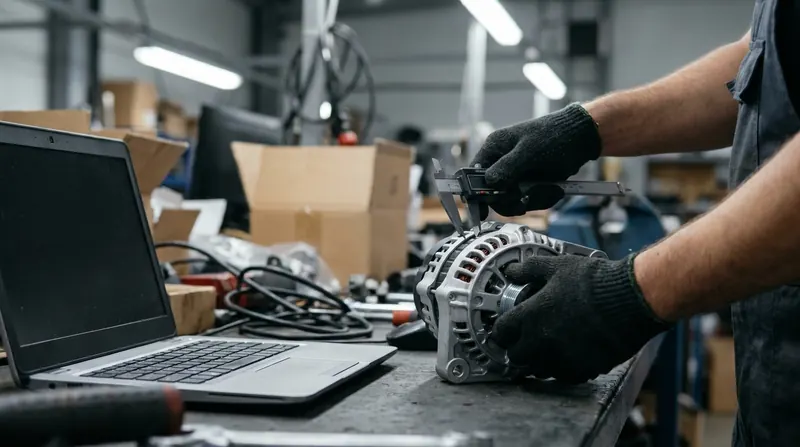
What a catalogue record will hold
- Product information. Descriptions, categories, attributes, dimensions, weights and specifications.
- Manufacturer and brand. Each product line under its own brand, with the manufacturer behind it.
- Part numbers. The primary number and any alternate numbers the part is known by.
- OEM cross-references. The original equipment numbers the part replaces.
- Aftermarket interchange. Equivalent parts from other brands.
- Supersessions. Which number replaced which, and when. Our guide to part number supersessions explains why the chain matters.
- Vehicle applications. The vehicles the part fits, with engine, drivetrain, transmission and other qualifiers.
- Photographs and documents. Images, installation instructions and technical sheets.
- Packaging. Barcodes, package quantities and case sizes.
- Pricing and availability. Price by level, and stock where you choose to share it.
Keeping it accurate
Entering the data is the small part of the job. Keeping thousands of part numbers correct is the large one. The planned tools are aimed at that:
- Bulk import. Load and update from CSV and Excel files, mapped to your own column layout.
- Bulk editing. Change an attribute, a category or a price across a whole product line at once.
- Duplicate detection. The same part entered twice under slightly different numbers is flagged before it is published.
- Validation. Checks for applications that point at vehicles that do not exist, missing required information, overlapping fitment and broken supersession chains.
- Version history. A record of what changed, when and by whom, so a mistake can be found and undone.
Publishing and distribution
A catalogue is only useful when it reaches the counter. Publishing is planned as a deliberate step: you choose what is released and who receives it, whether that is every Parts Commander store, the distributors who carry your line, or your authorized customers only. A correction published today is the information everyone downstream sees, without waiting for the next catalogue cycle.
The supplier stays in control
Nobody knows a part better than the company that makes or supplies it. Parts Commander treats supplier-provided product information as the supplier's own:
- You decide what is published and to whom.
- Your corrections replace older information wherever your catalogue is used.
- Your own data can be exported.
Reference information that comes from third parties is kept separate from yours and is provided for use inside the system.
Who it is for
- Manufacturers building and maintaining the catalogue for their own product lines.
- Distributors bringing many suppliers' catalogues together, with their own pricing and availability.
- Parts stores adding the lines no catalogue covers: private label, local suppliers, specialty and performance parts.
For the background on how catalogue data works, read catalogues, fitment and interchange. For a practical walkthrough, see how to create a parts catalogue.
Common questions
Who owns the catalogue information I enter?
You do. Product information you create or supply remains yours, and you decide who receives it.
Can I export my catalogue?
Your own product information can be exported. Third-party reference information is a separate matter: it is provided for use inside the system and is not ours to hand out. The product will make clear which is which.
Do I have to use Parts Commander for inventory or sales to use the catalogue tools?
No. A manufacturer can use catalogue management on its own, alongside the business systems it already runs.
Can I import the catalogue I already have?
That is the plan. Bulk import from CSV and Excel files comes first because every system can produce them, along with industry-standard catalogue imports.