
HOW TO CREATE A PARTS CATALOGUE
For a manufacturer or a brand owner, the catalogue is the product as far as the counter is concerned. This is the work involved in building one, in the order it is best done.
1. Settle your part numbers
Everything else hangs off the part number, so fix the rules first.
- One number means one sellable item. A different box quantity or finish is a different number.
- Decide how kits, left and right, and oversizes are numbered, and apply it consistently.
- Never reuse a retired number for a different part.
- Record the alternate numbers a part is known by, including earlier numbers you have superseded.
2. Describe each product
Product information is what lets someone confirm they have the right part without holding it.
- Category and part type, using the terms the trade already uses, so your part appears where people look.
- Descriptions. A short one for a counter screen and a fuller one for a web page.
- Attributes that distinguish it from similar parts: diameter, thickness, number of teeth, amperage, thread size, connector type.
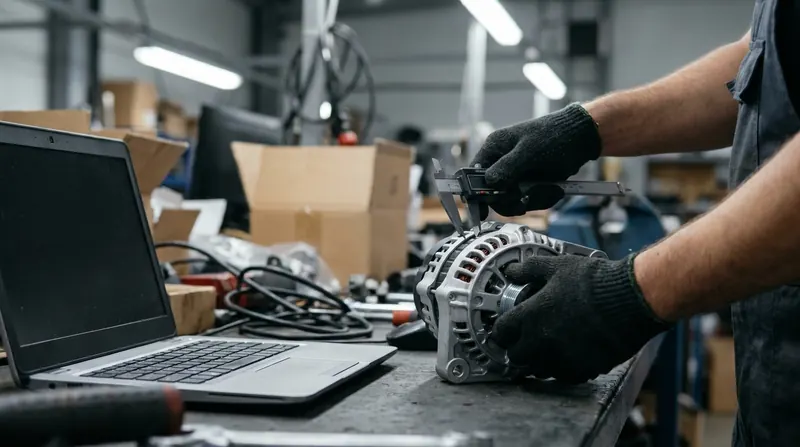
- Dimensions and weight of the part and of the package.
- Photographs. At least one clear image of the part itself. Add the angles that show how it differs from near-identical parts.
- Documents. Installation instructions, torque values, technical bulletins.
- Packaging. Barcode, package quantity, case quantity.
Measure real parts. Dimensions copied from a drawing that was later revised are a common source of error.
3. Research the applications
This is the bulk of the work. For each part, establish every vehicle configuration it fits.
- Start from the original part your product replaces, and the vehicles that part was fitted to.
- Use a standard vehicle list, so "2015 F-150 3.5L" means the same to you as to every system that will read your catalogue.
- Record the position: front or rear, left or right, upper or lower.
- Record every qualifier that separates vehicles your part fits from vehicles it does not: option packages, build dates, dimensions.
- Where you can, confirm on a vehicle. Test fitting finds what paperwork misses.
If you are unsure whether the part fits a configuration, leave it out until you know. A missing application loses a sale. A wrong one costs a return, a warranty claim and some of your reputation at that counter.
4. Build the interchange
- List the OEM numbers each part replaces. This is how you are found when the customer starts from the original number.
- Add competitor numbers where you are confident of the equivalence.
- Note where an interchange is one-way or conditional.
OEM and aftermarket part numbers explains why interchange and fitment have to be maintained separately.
5. Validate before you publish
Check the whole catalogue for the errors that are easy to make at volume:
- Applications pointing at vehicle configurations that do not exist, such as an engine never offered in that model year.
- Two of your parts listed for the same vehicle and position with nothing to choose between them.
- Parts with no applications, and applications with no qualifiers where similar parts have them.
- Duplicate parts under slightly different numbers.
- Supersession chains that loop or lead nowhere.
- Missing images, weights or barcodes.
6. Publish and distribute
A catalogue has to reach the systems your customers use. That generally means supplying it in the formats distributors, stores and catalogue providers accept, on a regular schedule, and keeping track of who has which version. Ask your larger customers how they want to receive it. An accurate catalogue that never arrives at the counter sells nothing.
7. Maintain it
A catalogue is never finished.
- New model years. Carry-over applications need extending each year, and each needs checking, not assuming.
- New and discontinued parts. With supersessions recorded as they happen.
- Corrections. Every wrong-part return is information. Have a route for it to reach whoever maintains the data.
- History. Keep a record of what changed and when, so you can answer "when did we start listing that?"
Tools
Small lines often start in spreadsheets, and that is a reasonable place to begin on product information. Fitment is where dedicated tools earn their place, because of validation and sheer volume. Catalogue management in Parts Commander is being built for this work, with bulk import from the spreadsheets you already have. The page for manufacturers describes how it is meant to fit alongside existing systems.
Common questions
How long does it take to build a parts catalogue?
It depends far more on the number of applications than on the number of parts. A line of a few hundred parts with simple fitment can be catalogued in weeks. Application research for a broad line is continuing work, not a project with an end.
Can I build a catalogue in a spreadsheet?
You can start in one, and many brands do. The limits appear with fitment: one part fitting hundreds of vehicle configurations, each needing validation, is hard to manage in rows and columns.
What is the most common mistake?
Publishing applications without qualifiers. A part listed for a vehicle it fits only with a certain option will be sold for the wrong vehicles and come back.